Apollo AI Walkthrough: Six Steps to Your First Set
Exactly what you'll see and do, from checkout to a finished number set.
Apollo AI
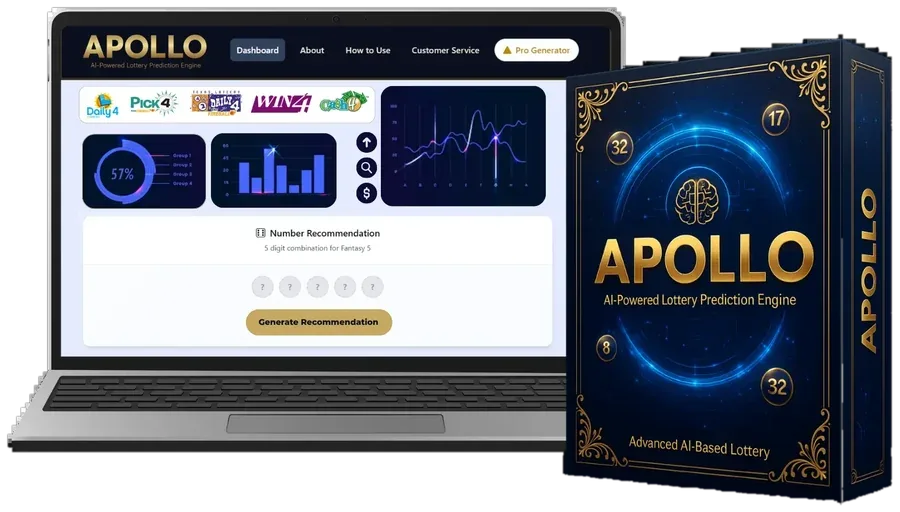
Answer the setup screen
Choose your lottery, your state and how many picks your game uses, then tap Analyze Now.
Let the system load
The Draw Archive pulls history and the Pattern Engine scores it.
Study the charts
Use our frequency map guide to read them correctly.
Tap Generate
The Set Builder hands you a full set. Play it inside your budget.
Walkthrough Questions
How long does a typical session take?
Around four minutes after the first setup.
Is it hard to use?
No. You'll find a game selector, a handful of charts and a single main button.
Can I generate several sets?
Yes. Tap again for another one; each carries the same odds in an official draw.
Lifetime access
Bring Apollo AI to Your Next Draw
One $147 payment unlocks the dashboard, all five system parts and every update after that. You also get 14 days to ask for a refund.
Order Apollo AI Paid once in US dollars